阅读视图

发现新文章,点击刷新页面。
☑️ ⭐

无题

25年的第一个季度又过去了,最大的感受是大家赚钱越来越不容易了,连街边理发小店都说生意一年不如一年,快干不下去了。

以前还想着换个工作啥的,现在可能老实一点才是最佳选择。

困了,瞎写几个字,然后继续搬砖。

☑️ ⭐

无题

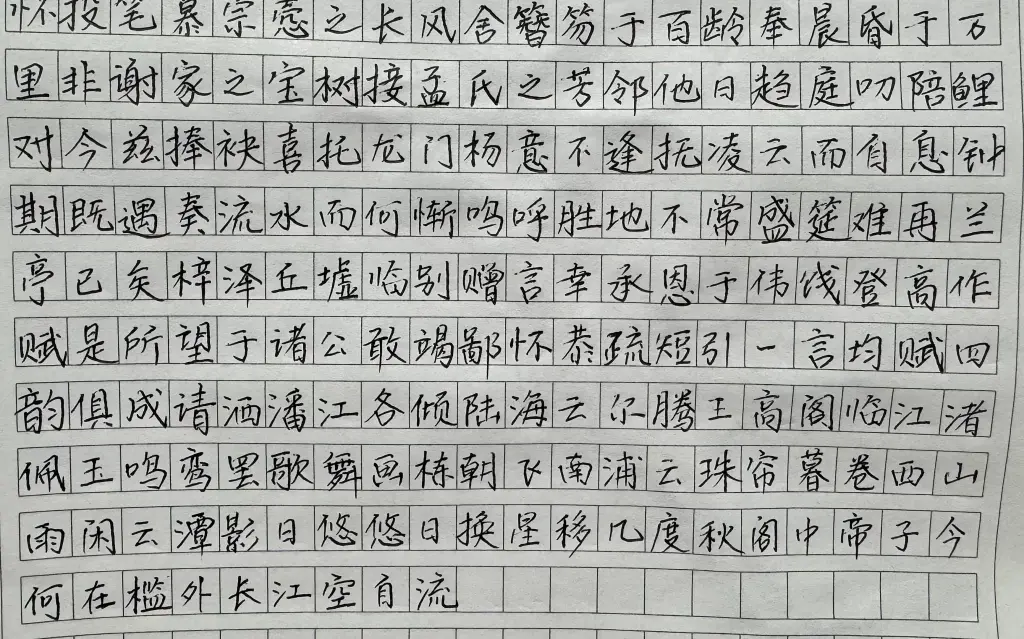
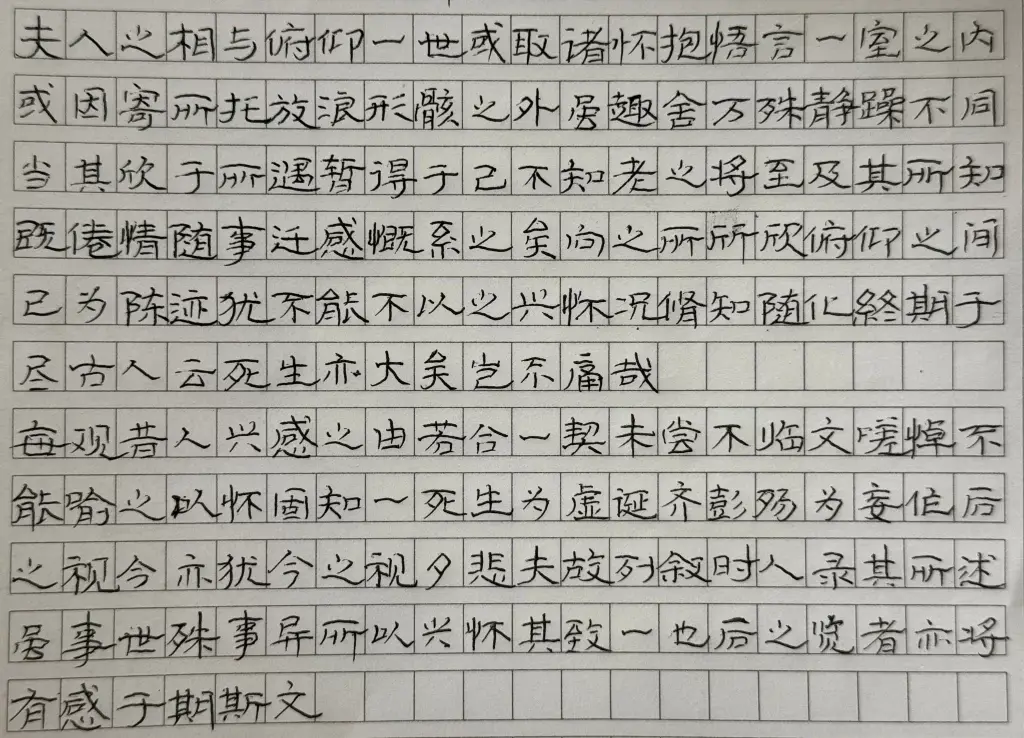
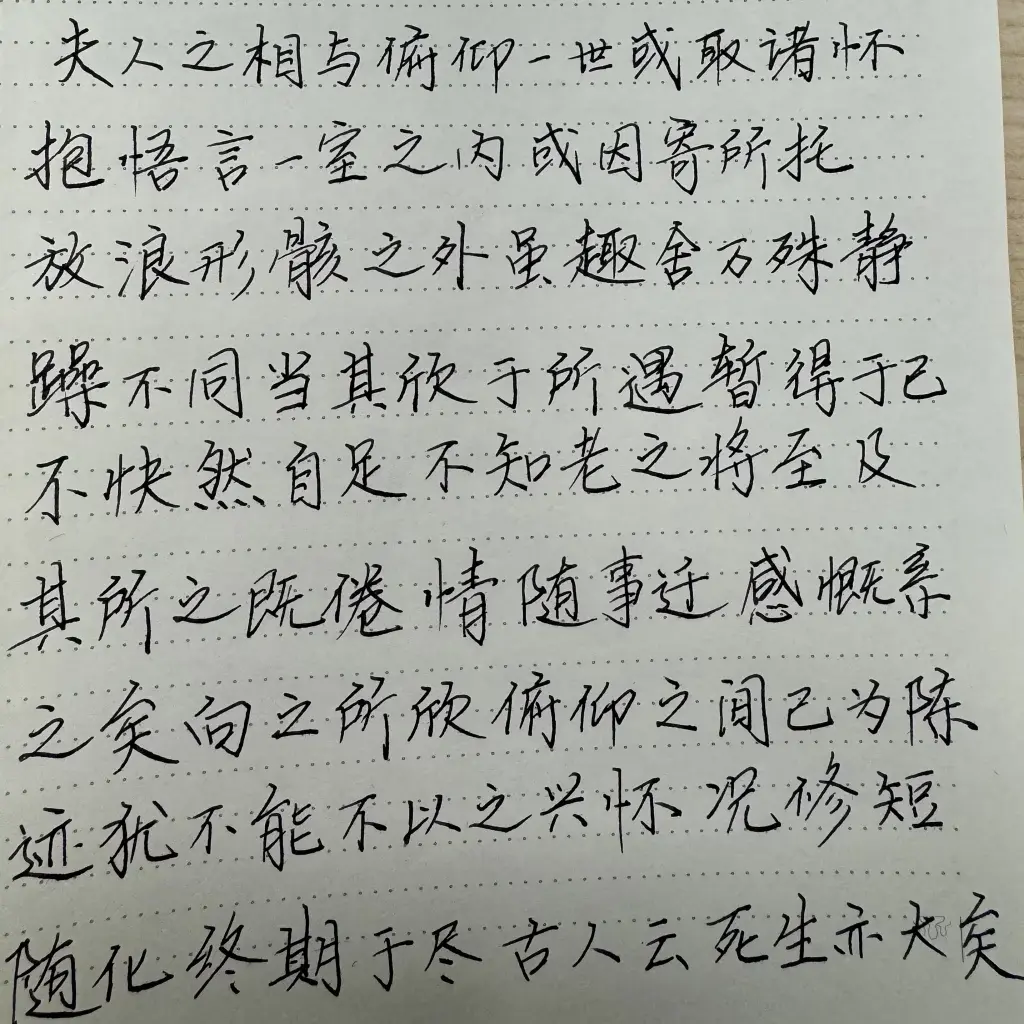
无聊时,或者心情不好时,随便写写字,还是很助于调节心情的。
拿张废纸,随便写写就很好。不必再乎写得好与坏,有进步就会让人开心。

☑️ ⭐

又一个春节假期结束了

时间过的越来越快,一眨眼春节就结束了。
明天开始新一年的奋斗,希望明年春节时能让自己更满意。

老大没学过画画,但随便画点东西就感觉挺好看的。

☑️ ⭐

流水账

前段时间延迟退休政策终于靴子落地,我得干到 63 岁才能退休。晚退休虽然让人不爽,但最担心的还是工作能不能干到退休,毕竟不是铁饭碗。

如何保证自己的竞争力,选择很多,但提升自己能力是一条不错的途径。争取尽快搞定高工职称,另外把英语水平再提高一个台阶,或许再考点证书?

说到学英语,听说读写哪个也不能放松,单词当然是基础。背单词 APP 一大堆,以前用扇贝,也用过百词斩,但个人认为都没有墨墨背单词好用。尤其用过一段时间百词斩后发现,本意是背单词,结果无意间变成了记图片。听力还是以听 TED talks daily 为主,另外偶尔听听 Stuff you should know. 短时间内感觉不到提高,但突然有一天会发现听力突然提高一大截,很有成就感。

最近把大部分网络账户的注册邮箱都换成了微软邮箱,一方面是担心以前用的 QQ 邮箱会被封(V2EX 上有类似案例,但概率应该极小),另一方面,Gmail 还需科学上网,多少有点隐患。

☑️ ⭐

省钱

这些年喝咖啡一般都是在咖啡店买。不过,这些天发现公司的现磨咖啡加点奶球,味道比星巴克的拿铁还好喝。在消费降级的大趋势下,这样的替代更显得有价值 o(^▽^)o

本来想买点好纸练字的,但毛边纸也不错,等练得有点模样了再说。毛笔也是,现有的用秃了再说。

☑️ ⭐

The Cloud Storage Showdown- Dropbox, Google Drive, and iCloud

Whether for work or play, cloud storage has become an essential part of our digital lives. As the three most popular services, Dropbox, Google Drive, and iCloud each have their own strengths and weaknesses. Let’s break them down:

Dropbox

Pros:

  1. Awesome syncing across all your devices, files update in real-time
  2. Tons of features – preview files, edit documents, unzip archives online
  3. User-friendly desktop and mobile apps
  4. Security features like version history, remote wipe, encrypted transfers
  5. Personal and family plans with unlimited storage options

Cons:

  1. Free storage is only 2GB, paid plans are expensive
  2. The selective sync feature can cause “selective sync conflict” files

Google Drive

Pros:

  1. Generous 15GB free storage for personal use
  2. All-in-one syncing, backup, and web management
  3. Create, edit, and collaborate on documents online
  4. Integrates seamlessly with Gmail, Google Photos, etc.
  5. Free bonus service like Shared Drives for team cloud storage

Cons:

  1. Average file sync and upload/download speeds
  2. No advanced features like online unzipping
  3. Some security/privacy issues in the past like locked user files
  4. Desktop experience not as smooth as Dropbox’s native apps

iCloud

Pros:

  1. Seamless sync across Apple devices in the ecosystem
  2. End-to-end encryption for secure file transfers and storage
  3. Syncs common file types like documents, desktop files
  4. Free iCloud+ subscription with bonuses

Cons:

  1. Minuscule 5GB free storage, paid plans are very expensive
  2. Lackluster sync performance, frequent upload failures and delays
  3. Limited functionality, no online editing/previews
  4. Locked into Apple’s ecosystem, not for non-Apple users

The Bottom Line:

Each service has its own strengths and weaknesses. For basic personal backup needs, Google Drive’s 15GB free storage may be ideal. If you need a powerful, full-featured cloud storage that’s reliable (and you can afford it), Dropbox is hard to beat. iCloud’s sluggish sync makes it suitable only for light Apple user storage. The sweet spot may be mixing and matching the best features of all three based on your needs.

— Generated by Claude-V3-Sonnet —

❌